Block Away APK 2.8.0 Download for Android
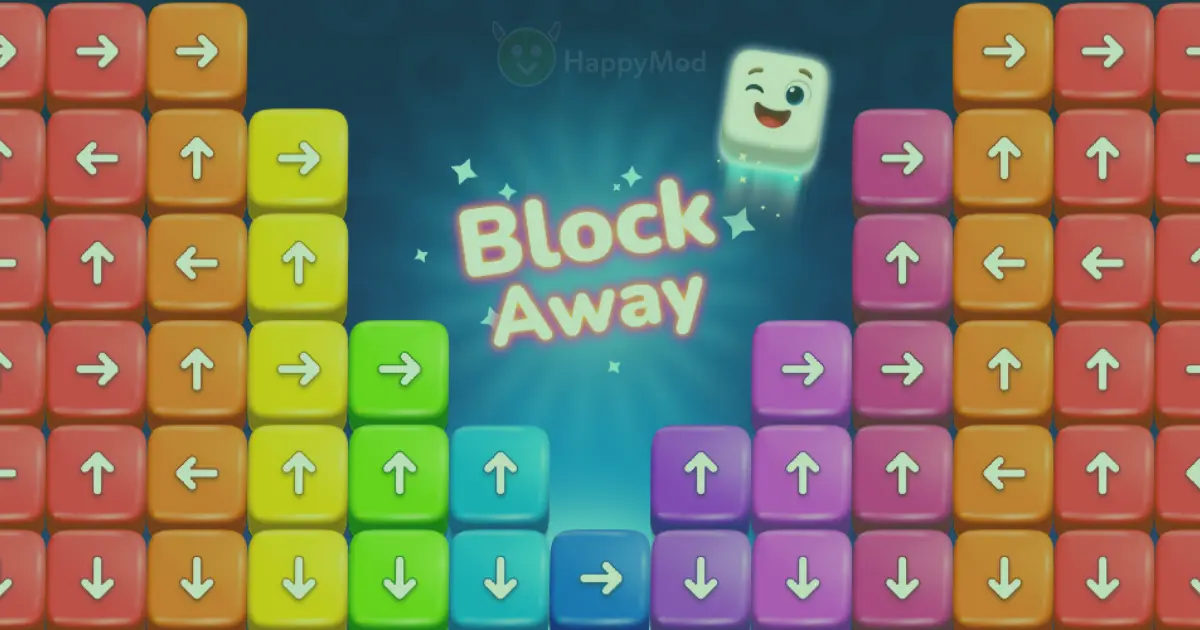
Block Away Game is a colourful logic puzzle game where players rotate structures and remove blocks in the correct order. Each block can move only in the direction it is…
Block Away Game is a colourful logic puzzle game where players rotate structures and remove blocks in the correct order. Each block can move only in the direction it is displayed. You must find an open path and clear the complete puzzle without trapping the remaining pieces.
The latest version of the Block Away APK is 2.8.0. It requires Android 7.0 or newer and has a download size of about 187.38 MB. The game is developed and published by Tripledot Studios Limited.
Block Away APK Details
| App details | Information |
| App name | Block Away: Tap Out Puzzle |
| Version | 2.8.0 |
| Publisher | Tripledot Studios Limited |
| Package name | com.zm.blockaway |
| Category | Puzzle |
| Game type | Logic and spatial puzzle |
| File size | About 187 MB |
| Minimum Android | Android 7.0 |
| Target Android | Android 15 |
| Price | Free |
| Game Mode | Single player |
| Offline support | Available for core Gameplay |
| Latest update | 15 June 2026 |
What Is Block Away?
Block Away: Tap Out Puzzle is a three-dimensional block-clearing game. Every level contains a structure made from colourful pieces. Arrows show the direction in which each piece can move.
You must rotate the structure, inspect its different sides, and identify blocks with open exit paths. Removing one block creates space for another. The level ends when all pieces have been cleared.
The basic idea is simple, but the puzzles become more demanding as you progress. Larger structures contain hidden pieces, blocked routes, and moves that must be completed in a specific order.
Quick Answer
What do you do in Block Away?
You rotate a block structure, find pieces with open paths, and tap them out in the correct order. The goal is to remove every block without wasting moves or trapping other pieces.
How to Play the Blockaway Game
The controls are designed for touchscreen devices. Most levels follow the same basic process:
- Swipe the screen to rotate the puzzle.
- Look at the arrows displayed on each block.
- Find a block with no obstacles in its direction.
- Tap the available block to move it away.
- Check which new paths have opened.
- Repeat the process until the board is clear.
Early levels help you understand the movement system. Later levels require more planning and stronger spatial awareness.
Random tapping may solve easy puzzles. However, difficult levels reward players who inspect the full structure before acting.
Main Features of Block Away
- Three-Dimensional Puzzle Structures: Block Away presents puzzles from multiple viewing angles. Players can rotate each structure to find hidden paths, blocked pieces, and available moves.
- Direction-Based Movement: Every block has a fixed exit direction. A piece cannot move when another block is standing in its path, so each move must be planned carefully.
- Simple Touch Controls: The Block Away app uses simple tap-and-swipe controls. New players can quickly understand the Gameplay without learning complicated commands.
- Increasing Level Difficulty: Early levels introduce the basic rules through smaller layouts. Later puzzles include more blocks, tighter spaces, and less visible movement paths.
- Coins and Assistance Tools: Players can collect coins and use optional assistance tools when a puzzle becomes difficult. Their availability may depend on progress, advertisements, purchases, or the installed version.
- Colourful Graphics: Bright colours make individual pieces easier to recognise. Clear directional arrows also help players understand where each block can move.
- Short Puzzle Sessions: Many levels can be completed during a short break. Players can also continue through multiple stages during longer gaming sessions.
- Offline Core Gameplay: Core puzzle levels can work without a constant internet connection. However, updates, advertisements, rewards, purchases, and some supporting services may still require internet access.
What’s New in Block Away Version 2.8.0?
Version 2.8.0 is mainly a maintenance and performance update.
The update focuses on:
- Smoother block movement
- General performance improvements
- Minor visual polishing
- Bug fixes
- Improved stability
The available release notes do not announce a major new game Mode. Instead, the update aims to make existing levels run more smoothly.
Block Away Game Compared With Bubble Shooter
Block Away and Bubble Shooter are both casual puzzle games, but they use different mechanics.
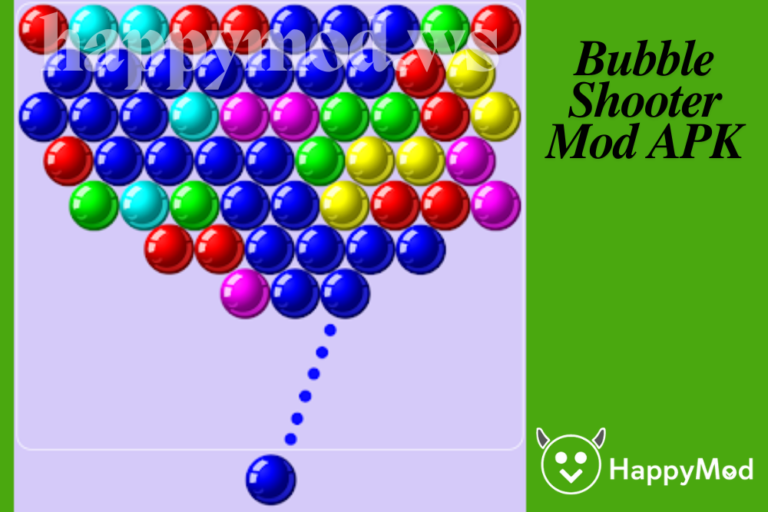
Block Away focuses on spatial reasoning, directional movement, and rotating structures. Bubble Shooter focuses on aiming, matching colours, and clearing groups of bubbles.
Players who enjoy planning movement paths may prefer Block Away. Players who enjoy aiming and colour matching can explore Bubble Shooter on Happymod.
Block Away Rating and Reviews
Block Away Game currently has an approximate rating of 4.6 out of 5 on Google Play. It has also passed 10 million downloads.
Many players praise the game for its colourful design, simple controls, and satisfying puzzle system. Positive feedback often describes it as fun, challenging, and easy to begin.
However, some reviews raise concerns about the number and length of advertisements. Other players mention repeated level designs or accidentally pressing buttons that use coins.
These experiences can vary by device, region, update, and playing habits.
What Players Like
Block Away is easy to understand because the arrows clearly indicate the direction of each block’s movement. Most players can learn the main objective within the first few levels without needing detailed instructions.
The game is also mentally engaging. Its puzzles require observation, spatial awareness, and careful planning. Players often need to predict several moves before selecting a block, especially during more difficult stages.
Another enjoyable part of the game is its satisfying movement system. Removing the correct pieces creates a clear sense of progress, while completing a complicated structure can feel rewarding.
The short level format also makes the Blockaway game suitable for casual play. Players can complete one or two puzzles during a quick break or continue through several levels during a longer session.
Possible Limitations
The free version of Block Away Game contains advertisements. Their frequency and length may vary depending on the region, app version, and playing session.
The game also includes optional purchases. Users should review their payment and purchase settings before allowing children to play on a shared device.
Some players report that certain puzzle layouts begin to feel similar after extended play. This may make longer sessions feel repetitive to users who prefer frequent Gameplay changes.
The downloaded package is approximately 187 MB. Additional storage may be required while Android installs the game and creates temporary or supporting files.
Block Away requires Android 7.0 or newer. Performance may vary on older devices or phones with limited memory and processing power.
Why Does the File Size Differ Between Websites?
Different websites may display Block Away version 2.8.0 in different sizes.
Several factors can cause this:
- Different processor configurations
- Compressed and uncompressed size calculations
- Additional language resources
- Device-specific files
- Store delivery formats
- Separate graphics and supporting files
The file provided with this page is approximately 187.38 MB. Its exact size is 196,483,173 bytes.
Users should keep extra free storage available because Android may create temporary installation files.
Block Away Technical Information
The package name of the verified file is:
com.zm.blockaway
The version code is:
1903
The file requires a minimum software level of Android 7.0.
How to Download Block Away Game on Android
Follow these steps to download the game:
- Review the version, file size, and Android requirement.
- Select the download button on this page.
- Wait for the 187.38 MB file to finish downloading.
- Open your browser’s download section.
- Confirm that the file name and size look correct.
- Scan the package using your preferred mobile security application.
- Open the file to begin installation.
Use a stable WiFi connection if your mobile data is limited.
How to install Block Away APK
Android blocks browser-based installation by default. You may need to give temporary installation permission.
- Open your phone settings.
- Go to Apps or security.
- Select install unknown apps.
- Choose the browser or file manager you used.
- Allow installation from that source.
- Return to your downloads folder.
- Tap the Block Away file.
- Select install.
- Remove the temporary permission after installation.
Menu names can differ between Samsung, Google Pixel, Xiaomi, Oppo, Vivo, and other Android devices.
What to Do If Block Away Does Not Install
An installation error may happen for several reasons.
Android Version Is Too Old
Block Away Game requires Android 7.0 or newer. Check your software version under Settings and About Phone.
Not Enough Storage
The device needs more free space than the visible download size. Clear unused files and try again.
Download Is Incomplete
An interrupted download may create a damaged file. Delete it and download the complete package again.
Existing App Has a Different Signature
An already installed copy may use a different signing certificate. Android may reject an update when the signatures do not match.
Backing up your progress before removing an existing installation is recommended.
Additional Package File Is Required
Some Android packages are delivered in separate parts for different processors. A base file may not install alone on every device.
When this happens, use a complete package made for your phone or install the official store version.
For more solutions, read our guide to fixing Android download and installation errors.
Does Block Away Work on iPhone?
No. An Android APK cannot be installed directly on an iPhone or iPad.
Android and iOS use different package formats. iPhone users should look for the official Block Away version through Apple’s App Store.
Websites claiming that a normal Android APK can be install directly on iOS should be approached with caution.
Does Block Away Work Offline?
Yes, core Block Away Game levels support offline play.
An internet connection may still be required for:
- Initial downloads
- App updates
- Advertisements
- Optional purchases
- Reward services
- Analytics or cloud features
Offline availability can also change between versions.
Is Blockaway Game Free?
Yes. The Blockaway game is free to download and play.
The standard version contains advertisements and optional purchases. Paying is not required to install the game or access its basic puzzle mechanics.
Privacy and Permissions
The application uses internet access, network status, advertising identifiers, billing access, and location-related permissions.
The official privacy disclosure states that the app may share location and device identifiers with third parties. It may also collect app performance information and device identifiers.
Data practices may differ according to age, location, device settings, and app version. Review the latest permission request before approving access.
A puzzle game should not require permission to access contacts, messages, or phone calls for its normal Gameplay. Decline any unrelated permission request.
Tips for Completing Difficult Levels
Rotate Before Tapping
Inspect every side of the puzzle before making your first move. An easy exit may be hidden behind the structure.
Follow the Arrows
A piece can only leave in its displayed direction. Always check the full movement path.
Start With Outer Blocks
Pieces near the outside often have more open space. Removing them may reveal paths for inner blocks.
Avoid Random Moves
Seemingly harmless moves may block another piece. Think about what will become available next.
Save Help Tools
Use assistance only when the layout is genuinely difficult. Saving tools can make later stages easier.
Pause When Stuck
Looking away for a moment can make a missed path easier to notice when you return.
Is Block Away Game Worth Downloading?
Block Away is worth considering for players who enjoy casual logic games and three-dimensional puzzles.
Its controls are simple, but later levels require careful observation and planning. The bright graphics and short stages also make it suitable for quick sessions.
The main disadvantages are its advertisements, optional purchases, large file size, and possible repetition during long sessions.
Overall, it is a strong choice for players who enjoy clearing paths, rotating structures, and solving puzzles one move at a time.
Frequently Asked Questions
1. What is the latest Block Away version?
The latest verified version is Block Away 2.8.0. It was released on June 15, 2026.
2. What is the Block Away APK file size?
The file available on this page is approximately 187.38 MB. Its exact size is 196,483,173 bytes.
3. What Android version does Block Away Game require?
The verified package requires Android 7.0 or newer. Older Android devices may not support installation.
4. Can Block Away be played without WiFi?
Core puzzle levels support offline play. Internet access may still be needed for updates, advertisements, purchases, and rewards.
5. Can I install Block Away Game APK on an iPhone?
No. APK files are made for Android. iPhone and iPad users must download an iOS-compatible version through Apple’s App Store.